Choose the right DePIN protocol
Selecting a DePIN wireless protocol depends on your location, existing hardware, and the specific type of connectivity you want to provide. The landscape is dominated by a few key players, each with distinct coverage requirements, hardware ecosystems, and reward structures.
Before committing to a protocol, verify that it has active coverage in your geographic area. Deploying hardware in a saturated or inactive zone yields minimal rewards. Additionally, ensure your chosen hardware is compatible with the protocol’s current generation of devices to avoid obsolescence.
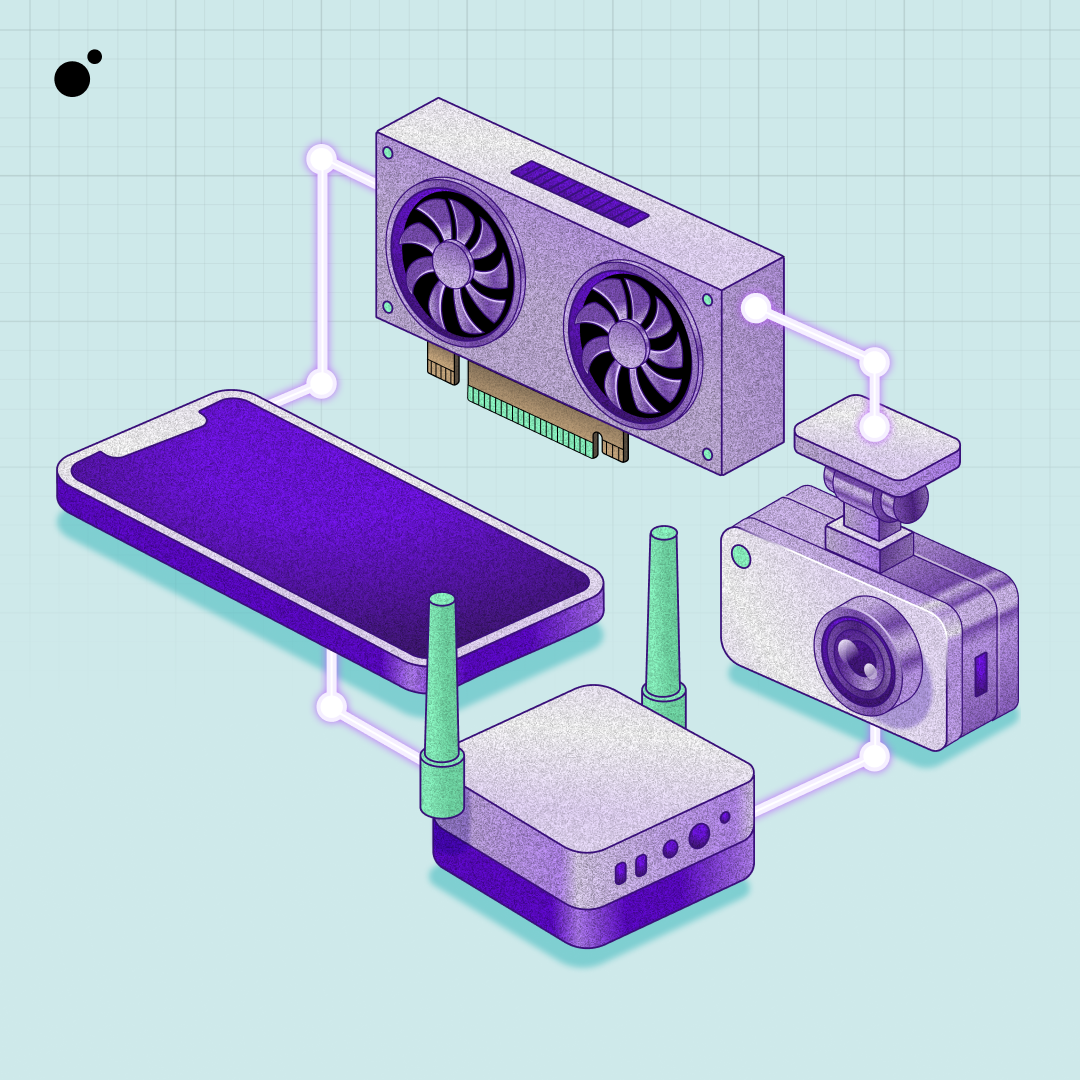
The table below compares the most established DePIN wireless protocols to help you decide which fits your infrastructure goals.
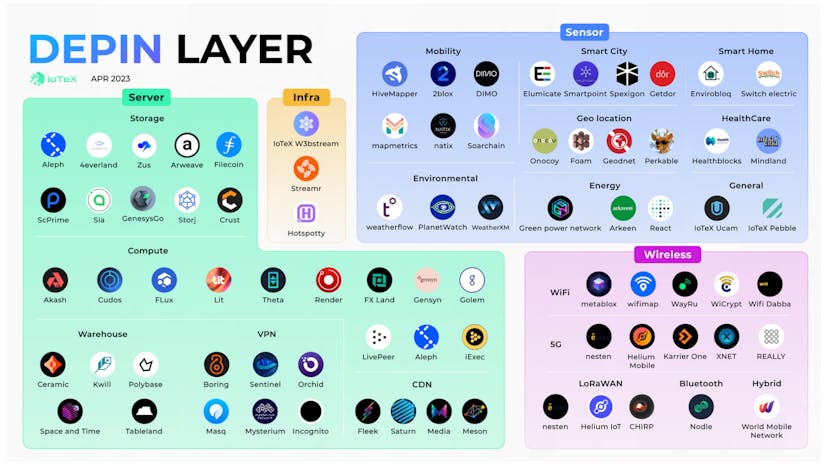
Helium remains the most widely deployed network, offering two distinct paths: LoRaWAN for low-power IoT devices and 5G for mobile broadband. DAWN provides a similar LoRaWAN experience but runs on the Solana blockchain, often resulting in lower transaction fees. Other protocols like 1NCE focus on cellular IoT, requiring different hardware entirely.
Check the official coverage maps for Helium and DAWN in your specific region. If your area lacks coverage, wait for network expansion before purchasing hardware. If you already own compatible devices, check if they can be migrated to a more active protocol to maximize earnings.
Select and install compatible hardware
Building a rural DePIN wireless network starts with choosing hardware that balances range, power efficiency, and community compatibility. Unlike urban setups where density solves coverage gaps, rural nodes must bridge vast distances using minimal energy. The goal is to deploy a gateway that integrates seamlessly into the local mesh without requiring constant maintenance or expensive grid upgrades.
1. Choose the right wireless protocol
Select a hardware platform that aligns with your target network. For long-range rural coverage, LoRa-based gateways (like Helium’s 5G/LoRa hybrid models) or CBRS small cells are often preferred for their ability to penetrate foliage and terrain. Ensure the device supports the specific frequency bands allowed in your region to avoid regulatory conflicts.
2. Source power-efficient equipment
Rural locations often lack stable grid power. Prioritize hardware with low wattage consumption, ideally under 10W for idle operation. Look for nodes that support Power over Ethernet (PoE) or have integrated DC input for direct solar or battery bank connection. This reduces the need for complex inverters and minimizes energy loss during transmission.
3. Mount the gateway at an elevated point
Line-of-sight is critical for rural wireless propagation. Mount the gateway as high as possible on a pole, roof, or tower to clear obstacles like trees and hills. Use weather-rated mounting brackets and ensure the antenna is oriented according to the manufacturer’s radiation pattern diagram. Avoid placing the unit inside metal enclosures or behind thick concrete walls, which attenuate signals.
4. Connect and secure the antenna
Attach the external antenna using low-loss coaxial cable (like LMR-400) to minimize signal degradation over distance. Keep cable runs as short as possible and seal all connectors with waterproof tape or heat shrink to prevent moisture ingress. Tighten connections firmly to ensure a stable RF link, then verify the signal strength using the device’s diagnostic dashboard before finalizing the installation.
Configure the node for local coverage
Once the hardware is installed, the software configuration bridges your physical location to the DePIN blockchain. This step ensures your node broadcasts signal data and records verification proofs on the ledger, allowing you to earn rewards.
Download the official application for your specific DePIN project, such as Helium Mobile or DAWN. Install it on the companion device or directly on the node if it runs an OS like Linux. Ensure the software version matches the network’s current protocol requirements to avoid sync failures.
Open the app and connect the node to your local Wi-Fi network. This connection is critical because the node needs internet access to submit data to the blockchain. Verify the connection status in the app dashboard before proceeding to wallet setup.
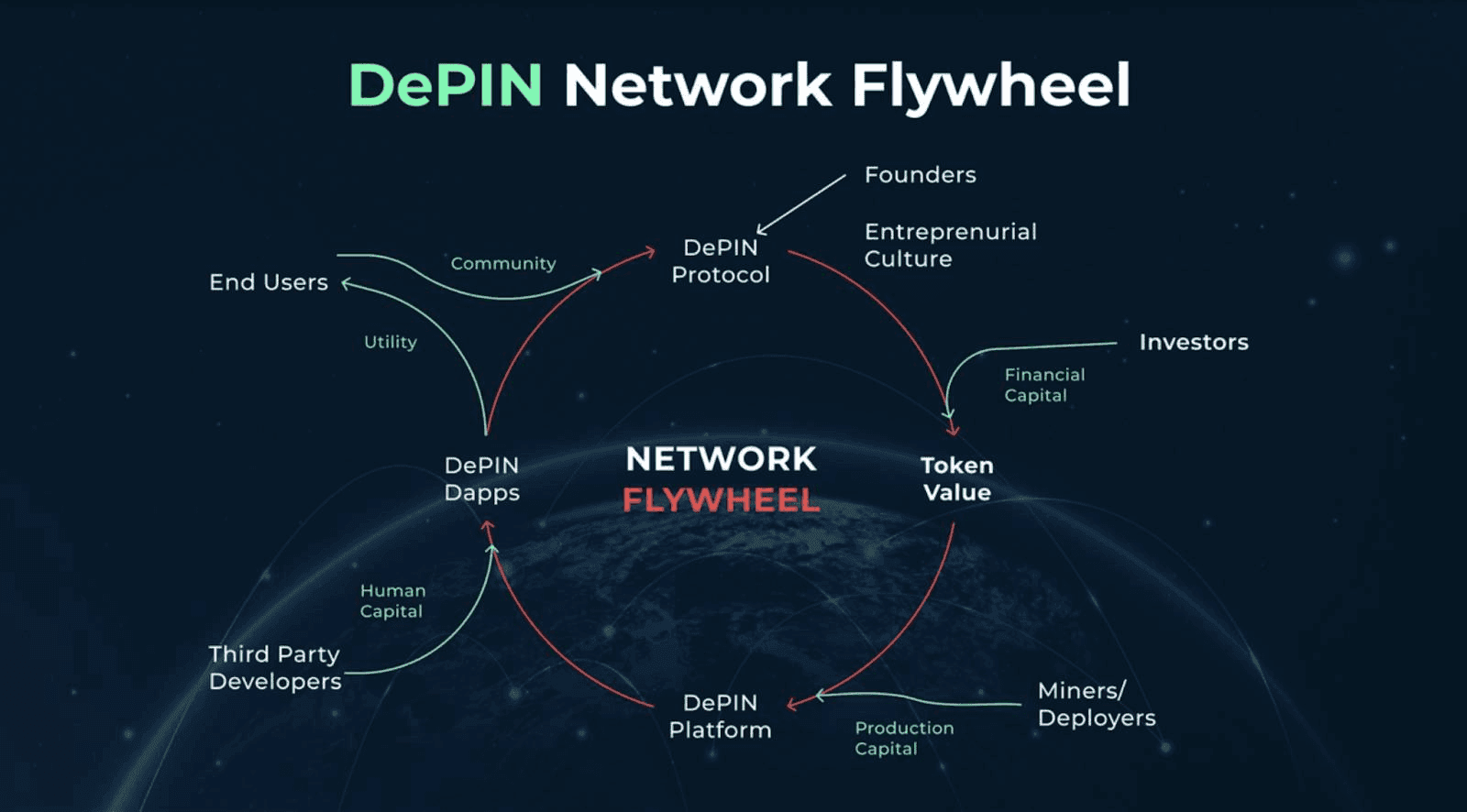
Import or create a non-custodial wallet to receive rewards. For DePIN projects on Solana, Phantom is the standard choice. Securely back up your seed phrase offline. Never share this phrase with anyone or store it digitally in cloud services or screenshots.
Wait for the node to sync with the network. The app will display a coverage map showing your signal strength and hotspot status. A green status indicates successful registration. If the status remains red, check your router’s port forwarding settings or firewall rules.
Turn on automatic firmware and software updates within the app settings. DePIN networks frequently upgrade their protocols to improve accuracy and reward structures. Keeping your node updated ensures you remain eligible for rewards and maintain consistent coverage quality.
Verify coverage and earn rewards
Once your hotspot is online, the next step is confirming that it is actually providing coverage and recording data. You can validate this through the project’s dashboard, which tracks your device’s uptime and signal strength. This verification process ensures that your contribution to the network is recognized and that you are earning rewards correctly.
Check signal strength and uptime
Navigate to your device’s profile in the dashboard to view real-time metrics. Look for signal strength indicators, which show how well your hotspot is reaching other devices or gateways. Consistent uptime is equally important; frequent disconnections can lead to missed rewards. Most dashboards display a heatmap or a list of nearby devices to help you visualize your coverage area.
Confirm token rewards
After verifying coverage, check your earnings. The dashboard should display the tokens you have accumulated based on your data transfer and uptime. Ensure that the rewards match the protocol’s incentive structure. If you notice discrepancies, check your device logs for errors or connectivity issues. You can also monitor the live price of the token to estimate your potential earnings in fiat currency.
Common setup mistakes to avoid
DePIN wireless networks fail when hardware installation ignores local terrain or network protocols. A misaligned antenna or incorrect frequency setting turns a potential coverage node into dead space. Fix these errors before deploying hardware in rural zones.
Point antennas at the hub, not the horizon
Fixed wireless access relies on a clear line-of-sight path between the user device and the network hub. Pointing the antenna toward the horizon wastes signal on empty sky rather than the tower. Use a compass and signal strength meter to align the dish directly at the nearest node. Even a few degrees of drift can drop your connection speed to unusable levels.
Set the correct frequency band
Rural environments often suffer from interference on crowded bands. Using the wrong frequency for your local spectrum allocation causes constant packet loss. Check the DePIN project’s approved frequency list for your region. Lock your device to the designated channel to avoid competing with other users or local radio noise.
Skip the weatherproofing
Outdoor routers and antennas are exposed to rain, snow, and UV radiation. Skipping sealant or using cheap tape leads to corrosion within months. Apply dielectric grease to all connectors and use proper IP67-rated enclosures. This simple step prevents moisture from shorting out your hardware and voiding your rewards.
DePIN wireless setup checklist
Before launching your rural DePIN wireless network, verify these critical steps. A structured deployment ensures stable connectivity and prevents costly rework in remote areas.
- Hardware Inventory: Confirm all routers, antennas, and power supplies are on-site and tested for environmental resilience.
- Site Survey: Map line-of-sight paths between nodes to ensure signal strength meets coverage requirements.
- Firmware Configuration: Update all node firmware to the latest stable version and apply security patches.
- Network Integration: Connect nodes to the blockchain gateway and verify token rewards are configured correctly.
- Live Testing: Run speed tests and latency checks across the network to validate performance before public launch.
No comments yet. Be the first to share your thoughts!